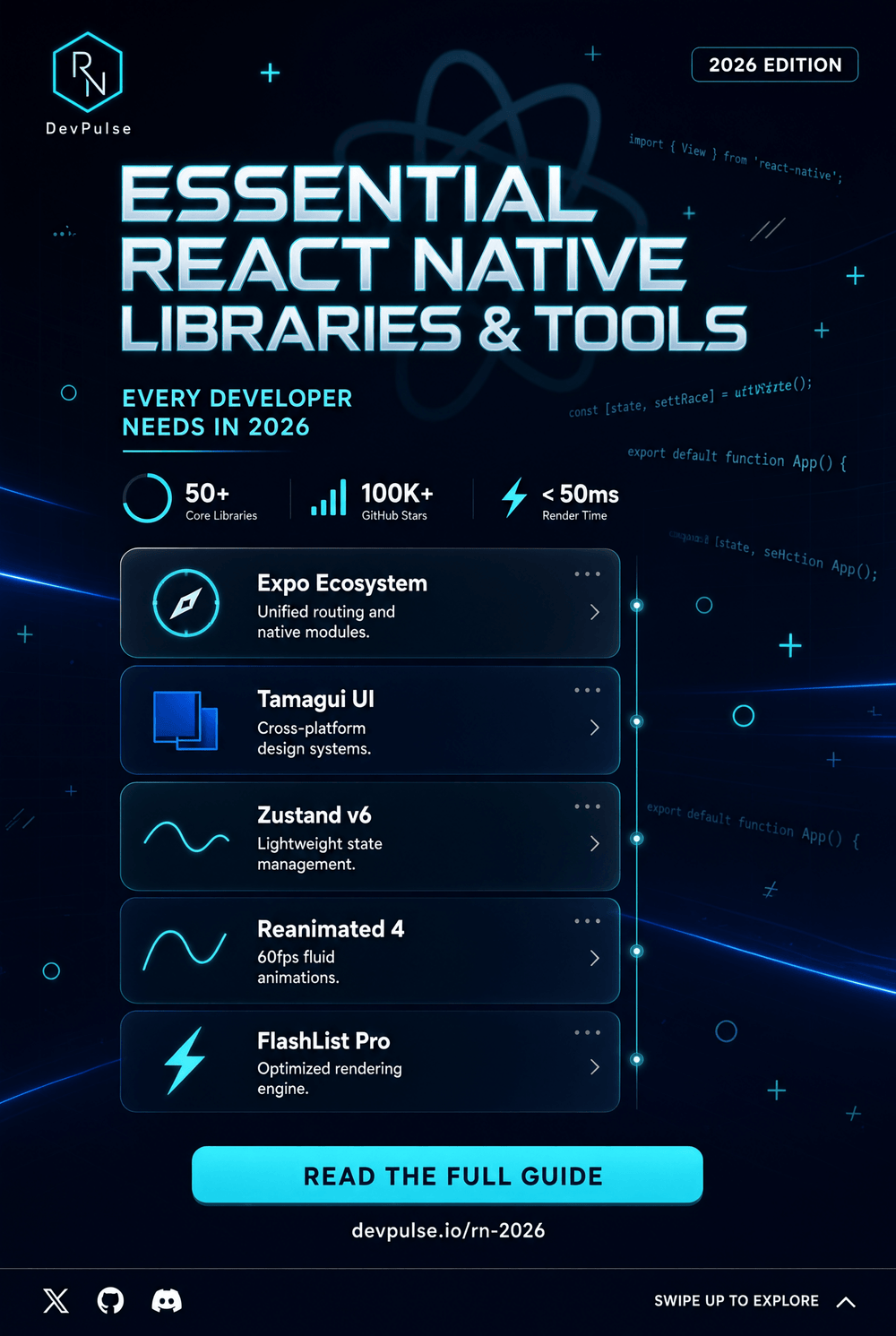
Essential React Native Libraries and Tools Every Developer Needs in 2026
Building a modern mobile application with React Native is much more than writing components and connecting screens. The real productivity gains often come from choosing the right React Native libraries and development tools.
A well-selected library can save days of development, simplify complex native functionality, improve application performance, and make a project easier to maintain. On the other hand, adding too many dependencies without checking compatibility can create technical debt, increase bundle size, and make future upgrades more difficult.
For developers building React Native applications in 2026, the ecosystem includes navigation solutions, UI libraries, state management tools, networking libraries, animation frameworks, device APIs, testing tools, debugging solutions, and deployment services.
This guide explores the essential React Native libraries and tools every developer should know, explains what they are useful for, and provides practical advice for choosing dependencies without unnecessarily complicating your project.
Why React Native Libraries Matter
React Native provides many fundamental components and APIs, including View, Text, TextInput, ScrollView, and ActivityIndicator. However, real-world applications usually require functionality beyond these core building blocks.
For example, an e-commerce application may need:
- Navigation between dozens of screens
- API communication
- Authentication
- Local storage
- Payment integration
- Animations
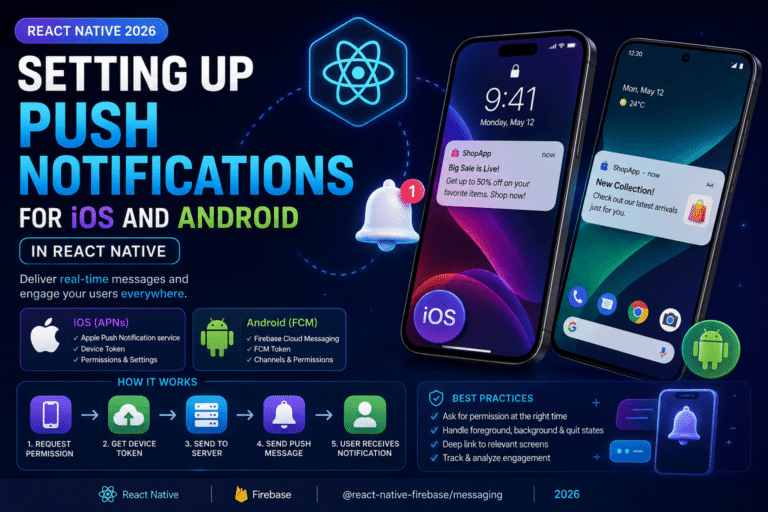
- Push notifications
- Image selection
- Analytics
- Error monitoring
- Automated testing
Instead of implementing every feature from scratch, developers can use established libraries.
The goal is not to install as many packages as possible. The goal is to create a reliable React Native technology stack where every dependency has a clear purpose.
1. Expo: A Powerful React Native Development Platform
One of the first tools developers should evaluate is Expo.
Expo extends React Native with a large collection of libraries, development tools, and services. Its SDK provides access to device and system capabilities such as cameras, contacts, sensors, location, notifications, and more.
Expo also provides tools for building, testing, deploying, and updating React Native applications.
A new project can be created with:
npx create-expo-app@latest
Expo’s current documentation recommends its default project template for getting started with React Native and provides TypeScript support and other useful development features.
Why developers use Expo
Expo can simplify:
- Project creation
- Native configuration
- Device APIs
- Development builds
- Application builds
- App Store deployment
- Over-the-air updates
- Development workflows
It is especially useful for developers who want to spend more time writing application code and less time configuring native projects.
However, Expo does not mean that native development has disappeared. Applications can still use third-party native libraries and custom native code through development builds and appropriate configuration.
2. Expo Router for Modern Navigation
Navigation is one of the most important parts of any mobile application.
Users need to move between authentication screens, dashboards, product pages, settings, profiles, and other sections without losing context.
Expo Router provides file-based routing for React Native applications and is closely integrated with the Expo ecosystem.
A typical project structure might look like:
app/
  index.tsx
  profile.tsx
  settings.tsx
  products/
    index.tsx
    [id].tsx
This approach can make navigation easier to organize as an application grows.
Expo’s current documentation highlights Expo Router as part of its recommended development ecosystem and provides guides covering authentication, redirects, testing, and navigation.
For developers starting a new Expo project, the framework can provide a convenient foundation for file-based navigation.
3. React Navigation
Although Expo Router is an increasingly important option, React Navigation remains a major navigation library in the React Native ecosystem.
React Navigation provides routing logic and UI patterns commonly required by mobile applications. Its current documentation also describes support for type-safe navigation, universal links, and browser history integration.
It is useful when you need navigation patterns such as:
- Stack navigation
- Tab navigation
- Drawer navigation
- Nested navigators
- Deep linking
- Authentication flows
- Typed navigation
For existing React Native projects already using React Navigation, there may be no reason to migrate simply because another routing solution is popular.
The best navigation library is the one that fits your application’s architecture and your team’s experience.
4. React Native Reanimated for Smooth Animations
Animations can dramatically improve the user experience when they are used carefully.
React Native Reanimated is widely used for creating performant animations and gesture-driven interactions.
Developers can use animation libraries to create:
- Screen transitions
- Expandable panels
- Bottom sheets
- Drag interactions
- Swipe animations
- Animated headers
- Gesture-based interfaces
The important principle is moderation.
Animations should communicate state changes and improve usability rather than distract users.
For applications with sophisticated interactions, a dedicated animation library can be much more practical than trying to build every animation using basic React Native APIs.
5. Gesture Handler for Touch Interactions
Mobile interfaces depend heavily on touch gestures.
Swiping, dragging, pinching, scrolling, and long presses can make an application feel natural when implemented correctly.
React Native Gesture Handler is a popular solution for handling advanced touch interactions and is commonly used alongside animation libraries.
It can be particularly useful for interfaces involving:
- Swipeable cards
- Bottom sheets
- Drag-and-drop interfaces
- Custom navigation gestures
- Interactive lists
- Pan gestures
Gesture handling is one of those areas where platform behavior can become complicated quickly. Using a mature library can help developers avoid reinventing low-level touch logic.
6. TanStack Query for Server State
Many React Native applications communicate with APIs.
Fetching data is easy at first:
const response = await fetch('/api/products');
The complexity appears later.
You may need to handle:
- Loading states
- Errors
- Caching
- Refetching
- Pagination
- Mutations
- Offline behavior
- Stale data
- Retry logic
This is where TanStack Query can become valuable.
TanStack Query is designed for managing asynchronous server state and can help applications avoid manually implementing repetitive data-fetching logic.
It is particularly useful for applications with many API-driven screens.
However, developers should understand the difference between server state and client state. Not every piece of application state belongs in a server-state library.
7. Zustand for Lightweight Client State
State management is another common challenge in React Native projects.
For smaller applications, React’s built-in state, Context API, and component-level state may be enough.
As an application grows, developers may want a dedicated state-management solution.
Zustand is popular because it provides a relatively small and straightforward API.
It can be useful for state such as:
- Authentication status
- Shopping cart data
- User preferences
- UI state
- Application settings
- Temporary workflows
The key advantage of a lightweight state library is simplicity.
You should not introduce a complex state architecture simply because a project contains a few shared variables.
Choose the smallest solution that solves the actual problem.
8. Axios or Fetch for API Requests
React Native applications frequently communicate with REST APIs, GraphQL services, and other backend systems.
The standard JavaScript fetch API can handle many networking requirements without an additional dependency.
For more advanced HTTP workflows, developers may choose Axios.
Axios can provide convenient features such as:
- Request configuration
- Response handling
- Interceptors
- Centralized error processing
- Request cancellation
- Authentication headers
Before adding an HTTP library, ask whether your project really needs it.
For simple applications, native fetch may be perfectly adequate. For larger projects with complex authentication and request-management requirements, a dedicated HTTP client can make the codebase more organized.
9. Async Storage for Local Data
Mobile applications often need to store non-sensitive information locally.
Examples include:
- User preferences
- Feature flags
- UI settings
- Cached application values
- Simple local state
Async Storage is a common solution for persistent asynchronous key-value storage in React Native applications.
For sensitive credentials such as authentication secrets, however, developers should consider platform-secure storage rather than treating ordinary key-value storage as a secure vault.
Security requirements should determine the storage technology.
10. Expo Device Libraries
One of Expo’s major strengths is its collection of focused native modules.
The Expo SDK provides libraries for capabilities such as:
- Camera
- Contacts
- Sensors
- Location
- Haptics
- Notifications
- Image handling
- File system operations
Each SDK package targets a particular feature and can be installed independently. Expo’s documentation demonstrates installation through npx expo install, which helps select compatible package versions when possible.
For example:
npx expo install expo-camera expo-sensors expo-location
This modular approach is useful because developers can add only the capabilities their application actually requires.
11. React Native Firebase
Many applications require cloud services such as:
- Authentication
- Analytics
- Cloud messaging
- Crash reporting
- Remote configuration
- Cloud storage
Firebase provides a large ecosystem of backend and mobile services.
React Native developers can use Firebase integrations to connect their applications with these services while maintaining a JavaScript or TypeScript development workflow.
Firebase can be particularly useful for applications requiring authentication, push notifications, analytics, or cloud-based infrastructure.
However, always review the native configuration and privacy implications of the Firebase products you enable.
Adding an SDK can affect application size, permissions, data collection, and store privacy declarations.
12. Sentry for Error Monitoring
Finding a bug on your own development device is relatively easy.
Finding a crash that happens only on a specific Android model, operating-system version, or user workflow is much harder.
This is where an error-monitoring service such as Sentry can help.
Sentry can provide information about application errors and crashes, allowing developers to investigate problems that occur in real-world environments.
A good monitoring setup should help answer questions such as:
- Which version crashed?
- Which platform was affected?
- What operation caused the error?
- How frequently is the problem occurring?
- Is the issue affecting many users?
Monitoring is especially important after releasing an application publicly.
13. ESLint and Prettier
Not every essential tool is a React Native library.
Development quality tools are equally important.
ESLint helps identify problematic JavaScript and TypeScript patterns, while Prettier focuses on consistent code formatting.
A project using these tools can establish consistent rules across a development team.
For example:
npx eslint .
Automated linting can be integrated into:
- Git hooks
- Pull requests
- CI pipelines
- Development workflows
Expo’s current development tools documentation also includes an npx expo lint workflow for configuring and running ESLint in Expo projects.
These tools may seem simple, but they can prevent many small problems from becoming large maintenance issues.
14. TypeScript
Although TypeScript is technically a language rather than a library, it deserves a place on any list of essential React Native development tools.
TypeScript adds static typing to JavaScript and can make large applications easier to maintain.
For example:
type User = {
  id: string;
  name: string;
  email: string;
};

function showUser(user: User) {
  console.log(user.name);
}
TypeScript can help catch incorrect assumptions before code reaches production.
It is particularly useful when working with:
- API responses
- Navigation parameters
- Shared state
- Component properties
- Reusable libraries
- Large development teams
Expo’s current starter templates can be configured with TypeScript, and its official tutorial uses TypeScript as part of the learning workflow.
15. Jest and React Native Testing Library
Testing is essential for applications that need to remain stable as features are added.
Jest is commonly used for JavaScript and TypeScript testing, while React Native Testing Library provides tools for testing React Native components and user interactions.
A good test suite can cover:
- Component rendering
- User interactions
- Form validation
- Authentication flows
- Business logic
- Error states
- Navigation behavior
The goal is not necessarily to test every line of code.
Instead, prioritize critical application behavior and business logic.
A few meaningful tests are often more valuable than hundreds of fragile tests that simply mirror implementation details.
16. React Native Directory: Find the Right Library
One of the most useful tools for React Native developers is not a package itself.
It is React Native Directory, a searchable database designed specifically for React Native libraries.
React Native’s official documentation recommends React Native Directory as the first place to search for a library.
This is important because the npm registry contains packages designed for many different JavaScript environments, and not every npm package is compatible with React Native.
When evaluating a library, check:
- React Native compatibility
- Expo compatibility
- Maintenance activity
- Recent releases
- Documentation quality
- Native dependencies
- GitHub issues
- Platform support
- Community adoption
- License
Do not select a package solely because it appears at the top of an internet search.
17. Expo CLI and EAS CLI
For developers using Expo, the command-line tools are essential.
Expo CLI helps with everyday development tasks such as starting the development server, installing packages, generating native projects, running applications, and linting.
For example:
npx expo start
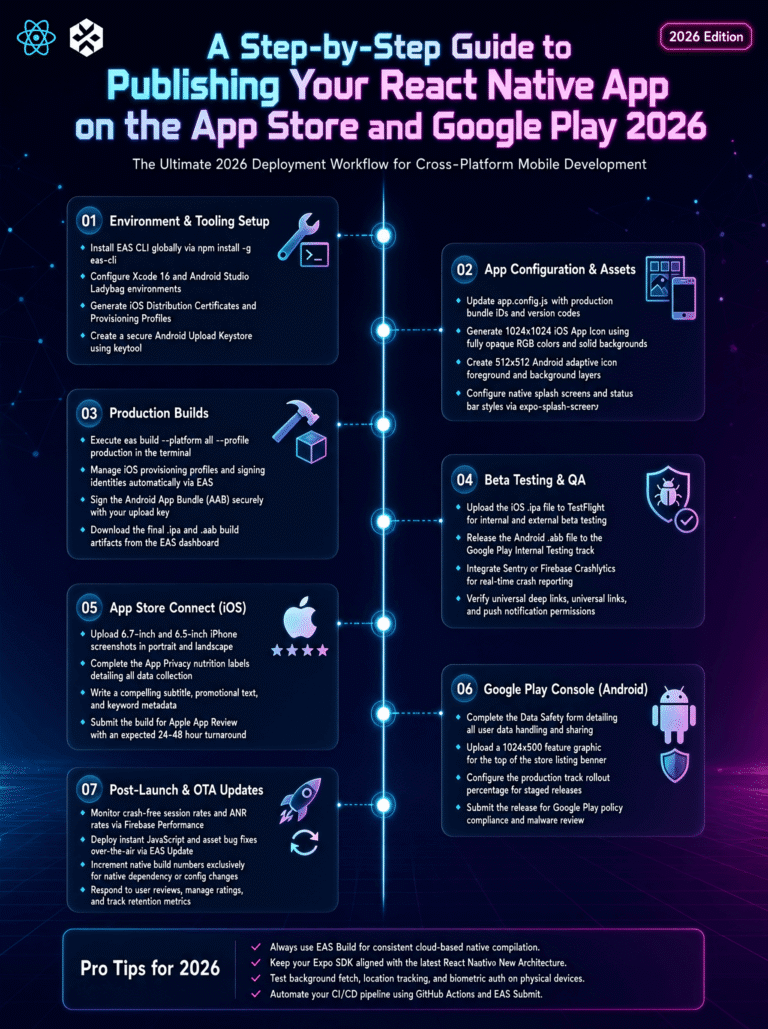
Expo also provides EAS CLI, which can be used for cloud builds, updates, submissions, credentials, and other application delivery workflows.
A typical workflow can look like:
Write code
   ↓
Run locally
   ↓
Test
   ↓
Create development build
   ↓
Build production version
   ↓
Submit
   ↓
Monitor
This can significantly simplify the release process for teams that want a consistent React Native deployment workflow.
18. Git and GitHub
No modern React Native development stack is complete without version control.
Git allows developers to track code changes, create branches, review history, and recover from mistakes.
Platforms such as GitHub add collaboration features including:
- Pull requests
- Code reviews
- Issue tracking
- Continuous integration
- Repository management
For professional React Native development, version control should be considered a basic requirement rather than an optional tool.
Never store sensitive credentials, private keys, API secrets, or signing files in a public repository.
Use environment-specific configuration and secure secret management instead.
How to Choose React Native Libraries Wisely
The biggest mistake developers make is treating libraries as shortcuts for everything.
A better strategy is to ask five questions before installing a dependency:
1. Do I actually need it?
If React Native already provides the required functionality, another package may be unnecessary.
2. Is it actively maintained?
A library that worked perfectly two years ago may not work well with a current React Native version.
3. Does it support my platform?
Some packages may support Android but have limited iOS functionality, or vice versa.
4. Does it require native configuration?
This matters particularly for Expo users. Expo explains that libraries containing custom native code may require development builds and configuration plugins rather than working directly inside Expo Go.
5. What happens if the library becomes abandoned?
A dependency becomes part of your application’s technical architecture.
Choose important dependencies carefully.
A Recommended React Native Tech Stack
For a modern application, a reasonable starting stack might look like this:
| Purpose | Recommended Option |
|---|---|
| Framework | React Native + Expo |
| Language | TypeScript |
| Navigation | Expo Router or React Navigation |
| Server State | TanStack Query |
| Client State | Zustand or React state |
| Animations | React Native Reanimated |
| Gestures | React Native Gesture Handler |
| Device APIs | Expo SDK libraries |
| Networking | Fetch or Axios |
| Local Storage | Async Storage |
| Error Monitoring | Sentry |
| Testing | Jest + React Native Testing Library |
| Code Quality | ESLint + Prettier |
| Version Control | Git + GitHub |
| Builds & Deployment | EAS |
This is not a universal formula.
A small application might need only a fraction of these tools, while a large enterprise application may require additional infrastructure.
The best React Native stack is the one that solves your application’s real requirements without unnecessary complexity.
Common Mistakes When Choosing React Native Libraries
Avoid installing a library simply because it is popular.
Other common mistakes include:
Using outdated tutorials: React Native and Expo evolve quickly, so old installation instructions may no longer apply.
Ignoring native dependencies: A package may require changes to Android or iOS projects.
Installing duplicate solutions: You rarely need several libraries solving exactly the same problem.
Ignoring bundle size: Every dependency can affect your application’s size and build complexity.
Failing to test upgrades: Updating React Native and several native packages simultaneously can make debugging much harder.
Ignoring security: Libraries that handle authentication, payments, storage, or personal data require careful evaluation.
Final Thoughts
The React Native ecosystem is powerful because developers do not have to build every feature from scratch. From navigation and state management to animations, device APIs, networking, testing, monitoring, and deployment, there are mature tools available for many common development challenges.
However, the most successful React Native projects are not necessarily the ones with the largest package.json file.
They are the projects where every dependency has a clear reason to exist.
Start with React Native’s built-in APIs. Then consider Expo SDK libraries when they fit your requirements. If you need a third-party package, use React Native Directory and the library’s official documentation to verify compatibility. Expo’s documentation specifically recommends React Native Directory as a primary place to find React Native-compatible libraries.
For a modern project, TypeScript, Expo, navigation tools, a suitable state-management strategy, reliable networking, testing, linting, monitoring, and version control can provide a strong foundation.
Most importantly, keep your technology stack intentional. A smaller collection of well-maintained libraries is usually easier to understand, secure, upgrade, and troubleshoot than dozens of dependencies added without a clear purpose.
As React Native continues to evolve, developers should regularly review official documentation before upgrading major versions or installing native libraries. This simple habit can prevent compatibility problems and keep your application aligned with current development practices.
Frequently Asked Questions
What are the most important React Native libraries?
The answer depends on the project, but commonly useful choices include navigation libraries, React Native Reanimated, React Native Gesture Handler, state-management solutions, networking tools, testing libraries, and Expo SDK packages.
Is Expo necessary for React Native development?
No. React Native applications can be developed without Expo. However, Expo provides a broad collection of tools, native modules, development workflows, and application services that can simplify React Native development.
Should I use Expo Router or React Navigation?
Both can be useful. Expo Router provides file-based routing and is closely integrated with Expo, while React Navigation offers a flexible navigation system used across many React Native projects. Choose based on your project architecture and team’s needs.
How do I find compatible React Native libraries?
React Native Directory is a strong starting point because it focuses specifically on React Native libraries. You should then review the package’s official documentation, repository, supported versions, and platform requirements.
Can I use third-party native libraries with Expo?
Yes. Libraries containing custom native code can generally be used with development builds and appropriate configuration. Expo’s documentation explains that Expo Go is limited to native libraries included in the Expo SDK or libraries without custom native code.
Is TypeScript worth using in React Native?
For many projects, especially medium and large applications, TypeScript can improve maintainability and catch type-related mistakes earlier. It is particularly useful for API models, navigation parameters, component props, and shared application state.
Trusted Sources
For accurate and up-to-date information, developers should prioritize official documentation rather than relying exclusively on old tutorials or random package recommendations.
Useful primary sources include:
- React Native Documentation — Libraries
- Expo Documentation — Using Libraries
- Expo Documentation — Development Tools
- Expo SDK Reference
- React Navigation Documentation
About The Author