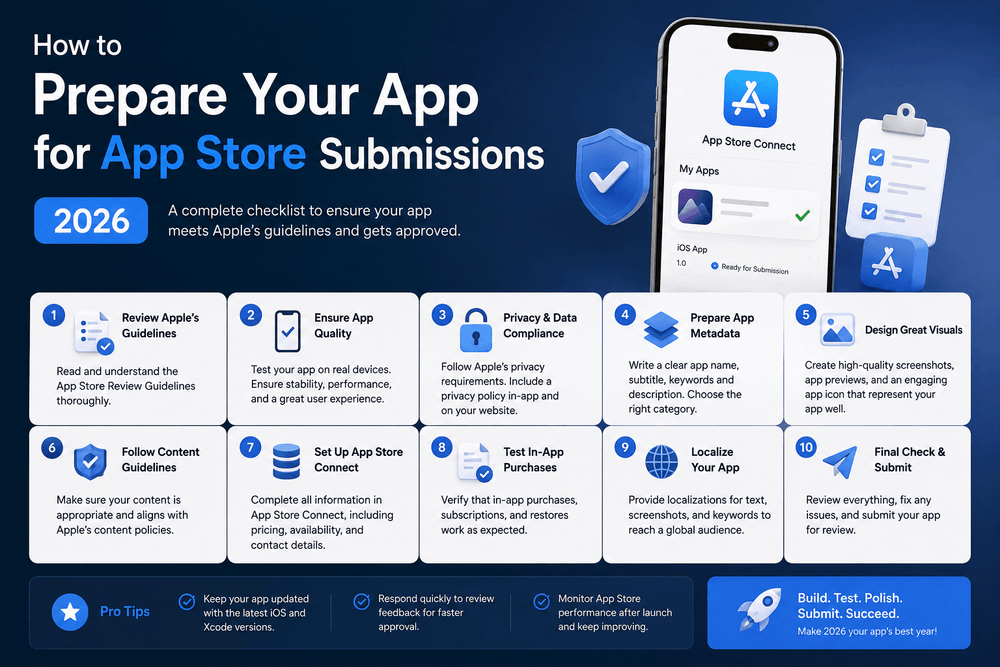
How to Prepare Your App for App Store Submissions 2026
Launching a mobile product requires strict technical preparation, accurate store listing assets, and full compliance with store guidelines. If you run a mobile shopping app or target the growing online retail market, delivering a seamless checkout and stable user experience is vital before submitting your build.
This comprehensive guide walks you through every step to prepare your application for a smooth submission to both the Google Play Console and Apple App Store Connect.
Pre-Submission Technical Checklist
Before uploading any binary file, ensure your code base meets modern stability and platform standards.
- Fix Critical Bugs: Run automated testing suites and conduct manual quality assurance to catch crashes, visual glitches, and performance bottlenecks.
- Optimize Build Size: Compress image assets, remove unused libraries, and enable code shrinking tools like ProGuard or R8 on Android.
- Test Network Reliability: Verify how your application handles poor network conditions, offline modes, and API timeouts.
- Verify API Compliance: Confirm that all third-party SDKs, analytics tracking tools, and payment gateways strictly comply with platform privacy rules.
Navigating the Online Retail Market Standards
Apps operating within the online retail market face strict scrutiny during platform review processes. Digital storefronts must provide transparent pricing, secure transaction pipelines, and explicit privacy policies.
App stores enforce rigorous consumer protection policies. If your platform accepts payments, you must integrate official platform payment systems for digital goods or secure, compliant payment gateways for physical retail items.
- Clear Pricing Disclosures: Display total costs, taxes, and shipping fees up front before the final checkout action.
- Account Deletion: Apple and Google both require apps with account creation features to offer an easy, in-app path for users to delete their account and personal data.
- Privacy Policy URL: Provide an active, publicly accessible privacy policy link that details how you collect, process, and protect user data.
Preparing Google Play Store Assets
Google Play requires specific listing elements and build configurations before opening internal or production testing tracks.
Technical Build Requirements
Android applications must be submitted using the Android App Bundle (.aab) format. Ensure your application targets the latest API level specified by Google Play policies to maintain security and compatibility.
Store Listing Information
- App Title: Keep it within 30 characters and include core relevant keywords.
- Short Description: Up to 80 characters highlighting your primary value proposition.
- Full Description: Up to 4,000 characters detailing features, capabilities, and clear utility.
- Graphic Assets: Provide an app icon ($512 \times 512$ px, PNG), a feature graphic ($1024 \times 500$ px), and phone/tablet screenshots showing real interface views.
Preparing Apple App Store Assets
Apple maintains a strict review procedure focused heavily on interface polish, hardware compatibility, and privacy settings.
App Store Connect Setup
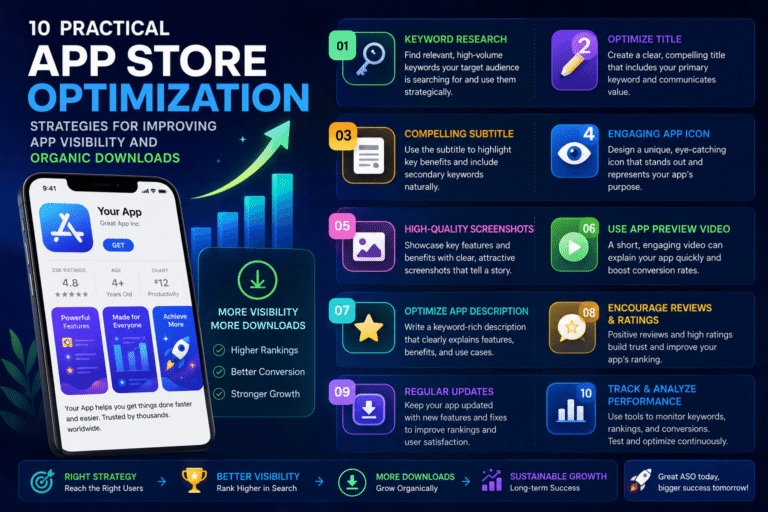
- App Metadata: Write an engaging title (up to 30 characters), subtitle (up to 30 characters), and promotional text.
- Keywords Field: Utilize the 100-character keyword field effectively. Separate terms with single commas and avoid repeating words already present in your app title.
- Screenshots & Preview Videos: Provide high-resolution screenshots tailored for required device screen sizes (6.7-inch, 6.5-inch, 5.5-inch, and iPad displays if supported).
- App Privacy Details: Complete the mandatory questionnaire detailing every data type your application collects, such as contact info, identifier tags, or usage data.
Common Submission Pitfalls & Warning Tips
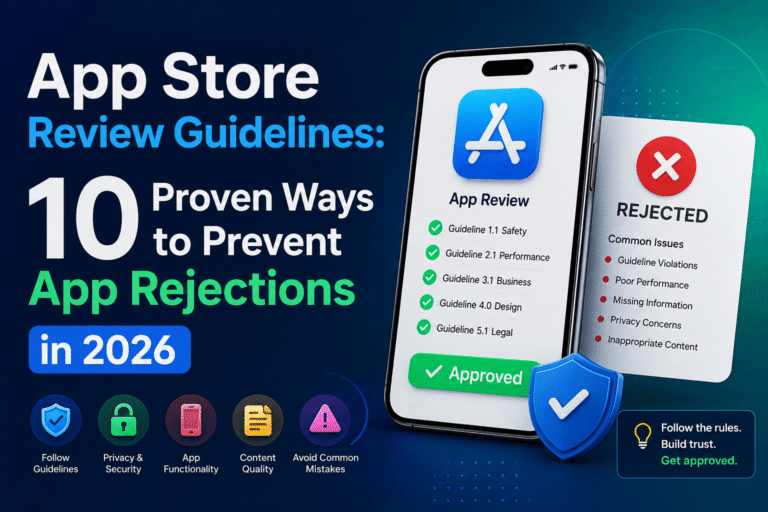
- Broken Links: Review teams reject submissions immediately if your support URL, privacy policy, or terms of service lead to 404 pages.
- Placeholder Content: Never submit an app containing “Lorem Ipsum” text, test images, or non-functional buttons.
- Incomplete Credentials: If your app requires a login, provide active demo credentials in the review notes field so reviewers can test all screens.
- Violating Intellectual Property: Avoid using trademarked brand names, logos, or copyrighted images without authorization in your store metadata or build assets.
Preparing your build thoroughly reduces review delays and prevents costly rejections. By completing technical checks, aligning with platform standards, and uploading accurate store graphics, you set your app up for a successful public launch.
Frequently Asked Questions (FAQ)
How long does the app review process take on Google Play and Apple App Store?
Apple App Store reviews usually take between 24 and 48 hours. Google Play reviews generally take between 1 and 3 days, though new developer accounts may experience review periods lasting up to 7 days.
Can I update my app description after publishing?
Yes. You can edit your full description, short description, and store listing text at any time on Google Play. On Apple App Store, metadata changes require submitting a new app version for review.
What are the primary causes of app rejection for e-commerce tools?
Common reasons include broken payment flows, missing privacy policies, hidden account deletion controls, and incomplete user login details provided to review teams.
Do I need a privacy policy if my app does not collect personal data?
Yes. Both Google Play and Apple App Store require a valid, accessible privacy policy URL for every published application, regardless of data collection practices.
What is the difference between APK and Android App Bundle (AAB)?
An APK is an executable package containing all assets for all device configurations. An Android App Bundle (.aab) is a publishing format that Google Play uses to generate optimized, smaller APKs tailored specifically to each user’s device hardware.
About The Author